
Trips
Log lodging, food, fuel, tickets and shopping, and know exactly who owes what when the trip ends.
Track shared expenses, calculate each person’s share, see who owes whom, and keep group balances clear — for trips, meals, home and everyday expenses.
Split equally, by percentage, or by a custom amount — even when not everyone shares the same expense.
Add expense
Dinner at Darakeh · 1,680,000 Toman
Keep friend and group balances clear, with updates whenever an expense or settlement changes.
Weekend Trip
4 peoplePaid someone back by card transfer or in cash? Record it in dong and the balance updates for both of you — no awkward reminders needed.
Settlement recorded
You paid Sara K.
2,000,000 Toman
A running activity feed with comments and receipt photos on every expense, so nothing's ever a mystery.
Weekly groceries
Find friends by name or username, scan their QR code, or pick them from your phone's contacts — and get notified the moment a friend adds an expense.
Scan to connect instantly
Full Persian support with the Jalali calendar, plus Toman, USD, EUR and GBP — built for friends and family inside and outside Iran.
Adding a guest only takes a name — split expenses with them without them installing dong. If they join later with the same number, they confirm the switch themselves before anything moves to their account.
Add a guest
Babak can split these expenses without installing dong.
Anyone with the group link can see its activity and balance, no account needed — they can't change anything until they join. Regenerate the link any time you want.
Share group
View onlydongit.ir/g/8f2a1c
Anyone with this link can see the group's activity and balance — they can't change anything until they join.
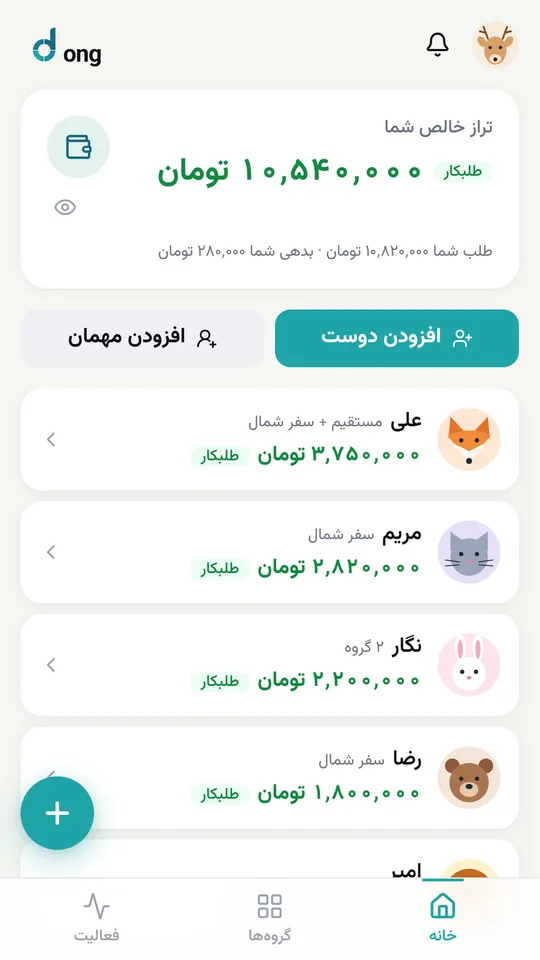
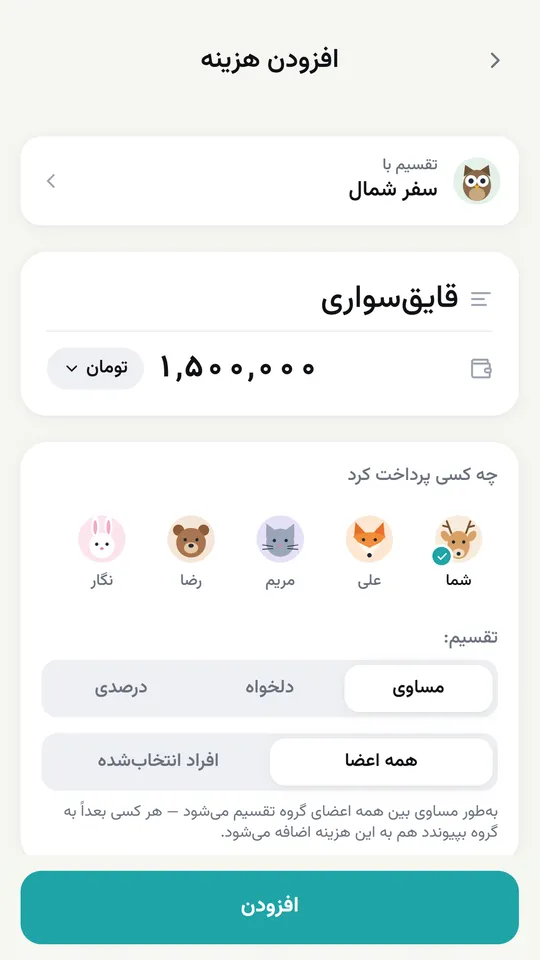
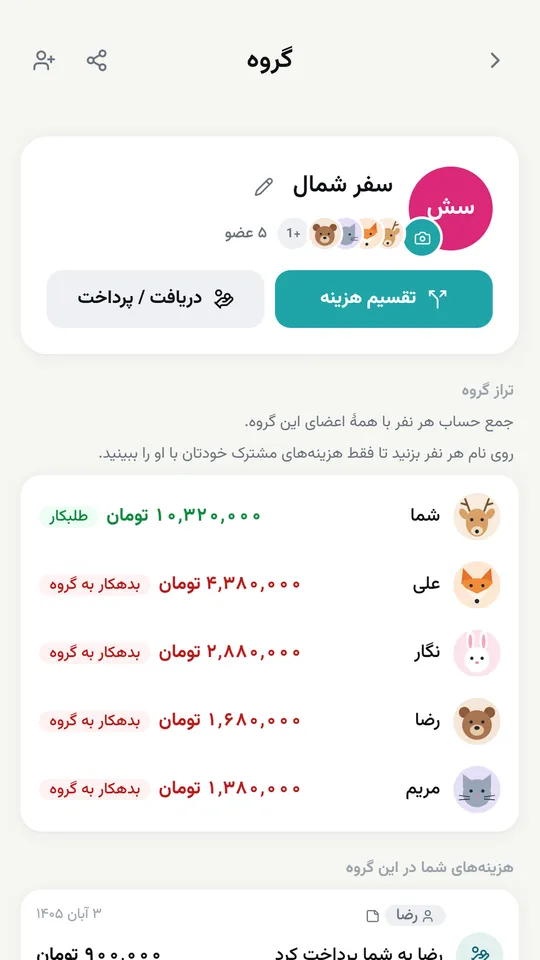
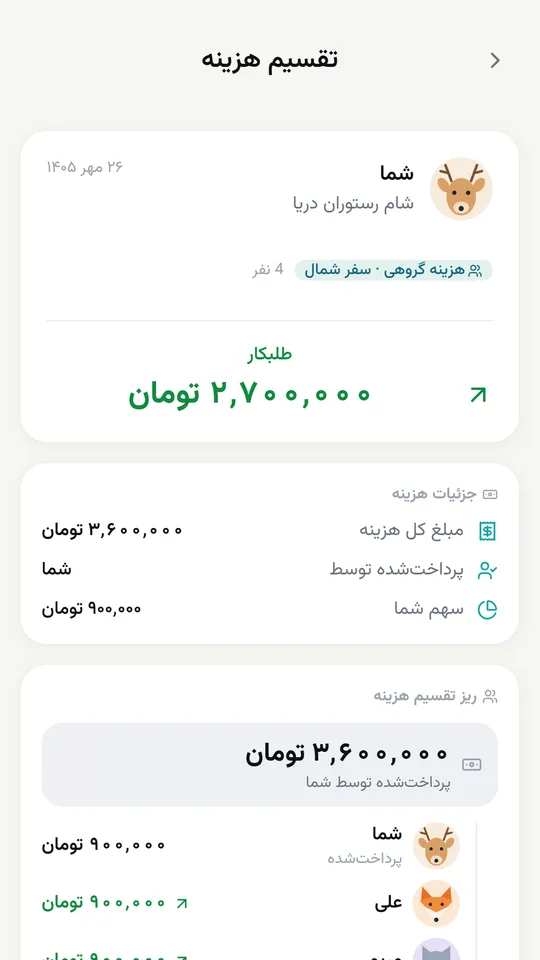
dong (Persian: دنگ) is a free expense-splitting app built for Iran: you log an expense in Toman, pick who shares it, and dong works out everyone’s share and who owes whom.
In Persian, dong means each person’s share of a shared bill. Whether you’re splitting the costs of a trip, a restaurant bill with friends, or household bills with roommates, everything stays in one clear, trackable ledger — no calculator, no notebook, and no balances lost in the group chat.
Log lodging, food, fuel, tickets and shopping, and know exactly who owes what when the trip ends.
Split the bill equally or unequally, without working out anyone’s share by hand.
Log rent, utility bills and groceries so nobody’s debts get forgotten over the month.
When several people chip in for a gift or an event, keep everyone’s share clear.
In Persian, “dong” means each person’s share of a shared cost. The dong app (dongit.ir) records shared expenses and works out everyone’s share, debts and credits, so balances stay clear between friends, roommates and groups.
Yes. Right now every dong feature — logging and splitting expenses, groups and settling up — is free, and you don’t need a bank card to sign up.
No. dong works for trips, restaurants, get-togethers, shared homes and roommates, gifts, and any expense shared between several people.
Yes. Split it equally, by percentage, or by a custom amount per person.
No. For each expense you choose who shares it and how much each person’s share is.
No. dong works in the browser on your phone or computer, and you can add it to your home screen like an app. Friends who don’t use dong can be added as guests with just their name.
Yes. dong is built for users in Iran, its servers are in Iran, and you don’t need a VPN to use it. You sign in with your mobile number and an SMS code.
Yes. dong’s default currency is the Toman, but you can choose US dollars, euros or pounds too. The app is available in Persian and English, with dates shown in the Jalali calendar.
No. dong has no access to your bank account and never moves money. When you pay someone back by card transfer or in cash, you record it in dong and the balances update.
dong only keeps what you enter yourself, like expenses and who shares them, and only the members of that expense or group — plus anyone you send a group link to — can see it. The full details are in the privacy policy.
Without internet you can still view what you’ve already opened; logging a new expense or settlement needs a connection.
The idea is the same: log and split shared expenses. But dong is built for users in Iran from the ground up: a full Persian interface, Toman as the default currency, the Jalali calendar, sign-in with your mobile number, and access without a VPN.
Enter the amount, who paid, and who it's shared with — a friend or a whole group.
Each person’s share is worked out the way you chose to split it.
Record payments as they happen, and everyone’s balance stays up to date.
Just want to settle one bill right now? Try the dong calculator →
Add your next shared expense and let dong handle the math.
Start using dong